SQL Script Deploy
Track database changes and deploy them, in order, as database versions.
Version your database
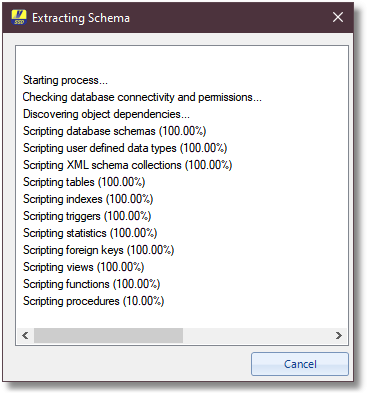
Vroom SQL Script Deploy keeps track of database changes and deploys them incrementally, as database versions. Extract the schema of an existing database as a version 1 baseline, add a version 2 and start tracking your changes.
It is just as useful when you have many scripts to run in order against a SQL Server database: no more dragging hundreds of files into SQL Server Management Studio.
How it works
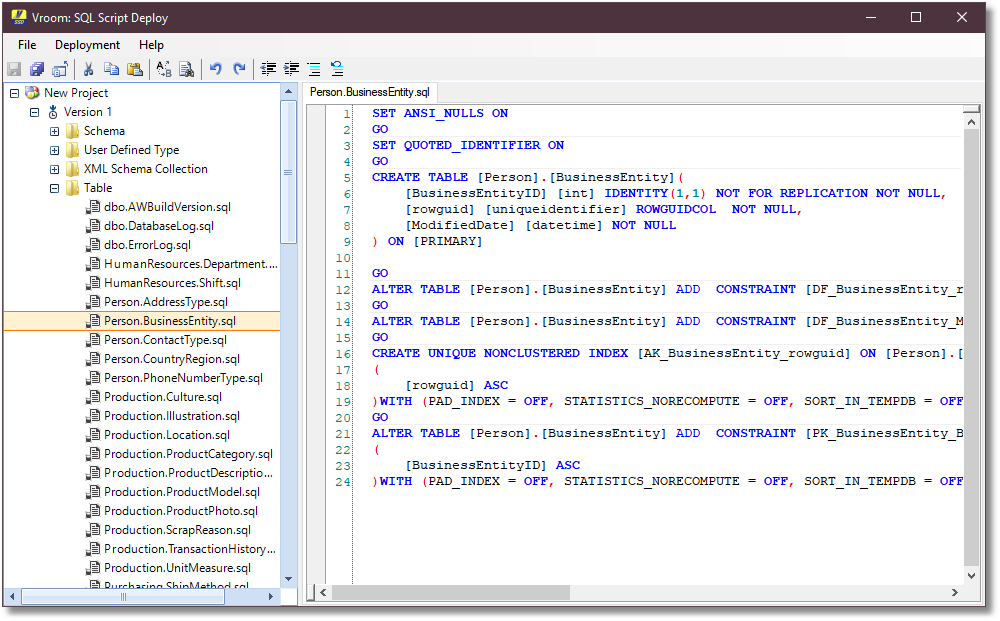
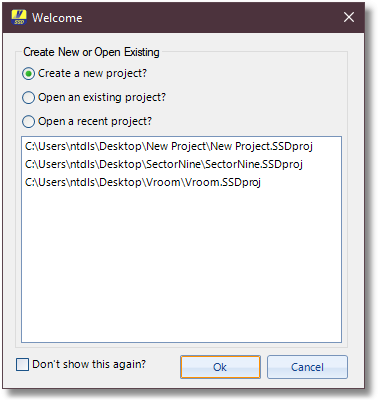
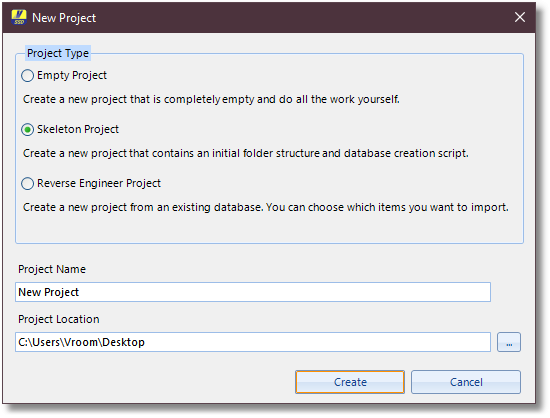
- Use the create project wizard to reverse engineer a database and extract its schema.
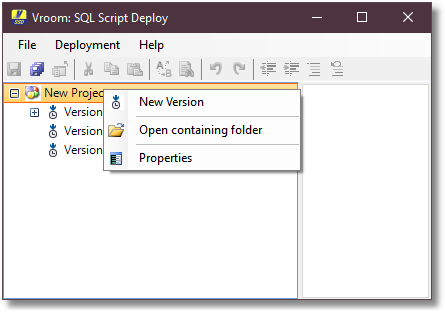
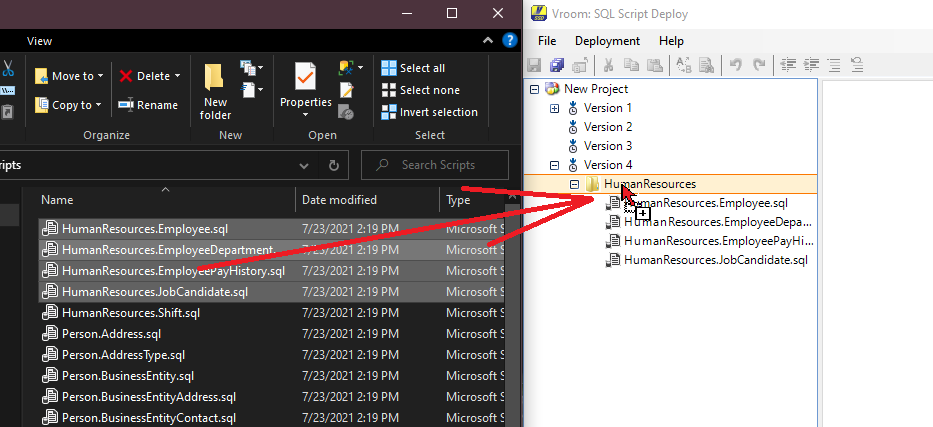
- Right-click to add a new version, then create folders and files to organize your scripts. They run in the order shown, and you can drag and drop files and folders, including straight from Windows Explorer.
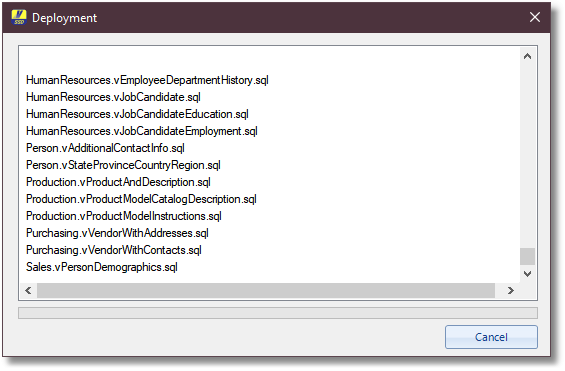
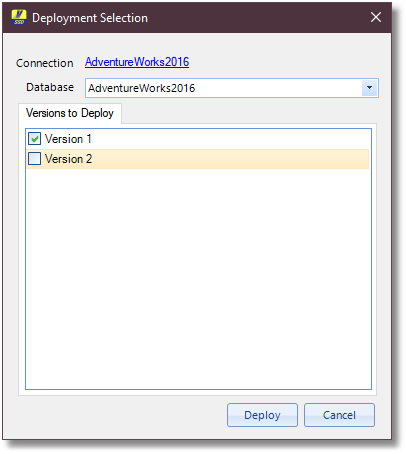
- Choose Deployment, then Deploy, select the versions and press Deploy. Each deployment runs in a transaction: any error rolls it back.
Screenshots
Download
v1.1.5
Released Jul 23, 2021
What's new in v1.1.5
Major additions
- n/a
Enhancements
- Added full support for HierarchyId.
- Added full support for all custom data types.
- Now shows project wizard when existing project is closed.
Bug fixes
- Canceling a scripting operation is now quick.
- Resolved issues when foreign-keys contain circular references.