Boost SQL Server performance
Quickly find and fix the true root cause of problems. The Vroom Performance Suite (VPS) monitors SQL Server, Windows, IIS and VMware without agents, and keeps the history you need to understand every slowdown.
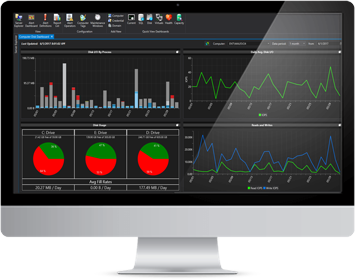
The VPS advantage
No added workloads
An innovative architecture: no local agents on monitored servers and no objects created in monitored databases.
Unmatched detail
Thousands of performance metrics, granular data that highlights trends, and the history that provides context.
True scalability
Monitor hundreds of SQL Servers from a single VPS instance, with the highest capture frequency.
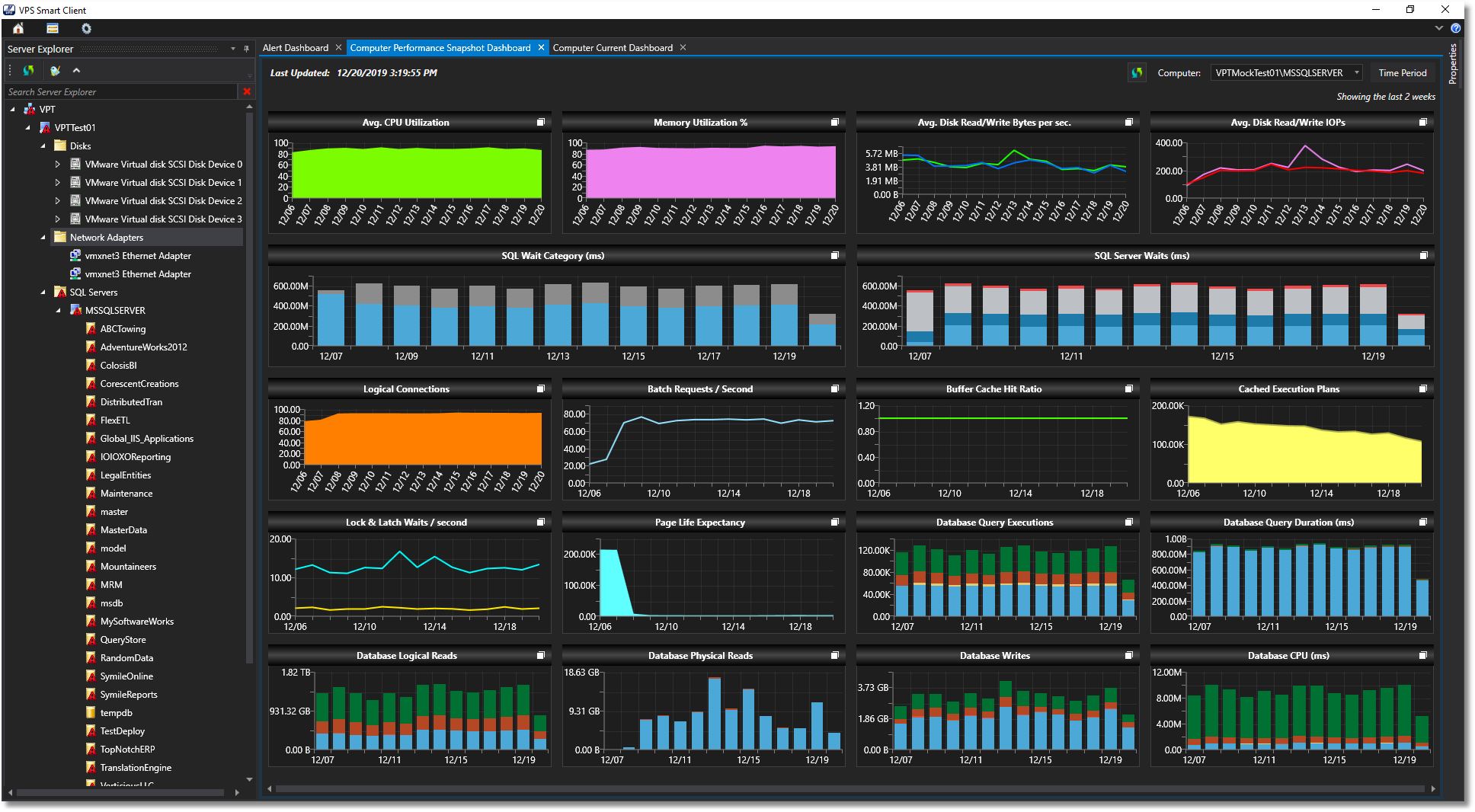
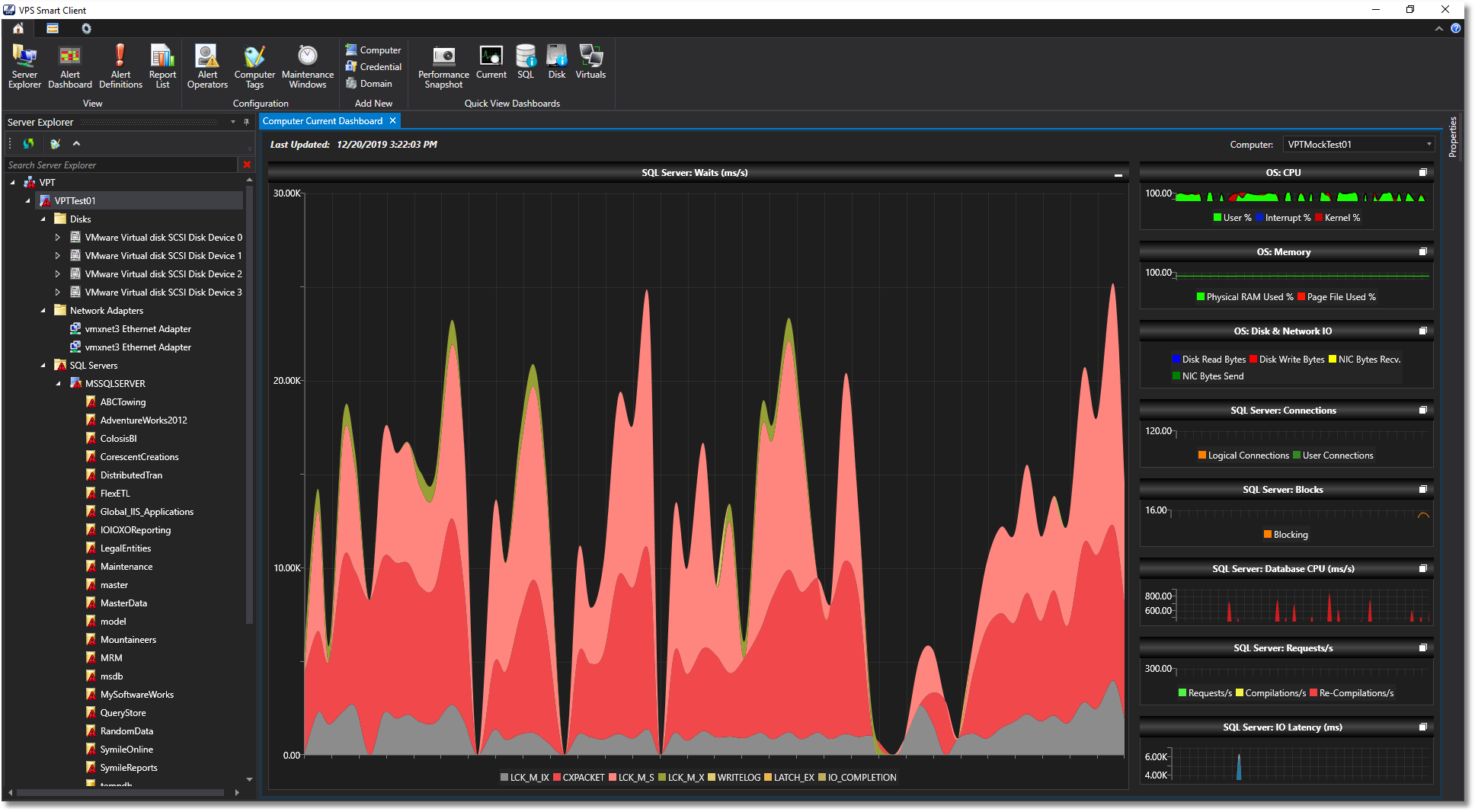
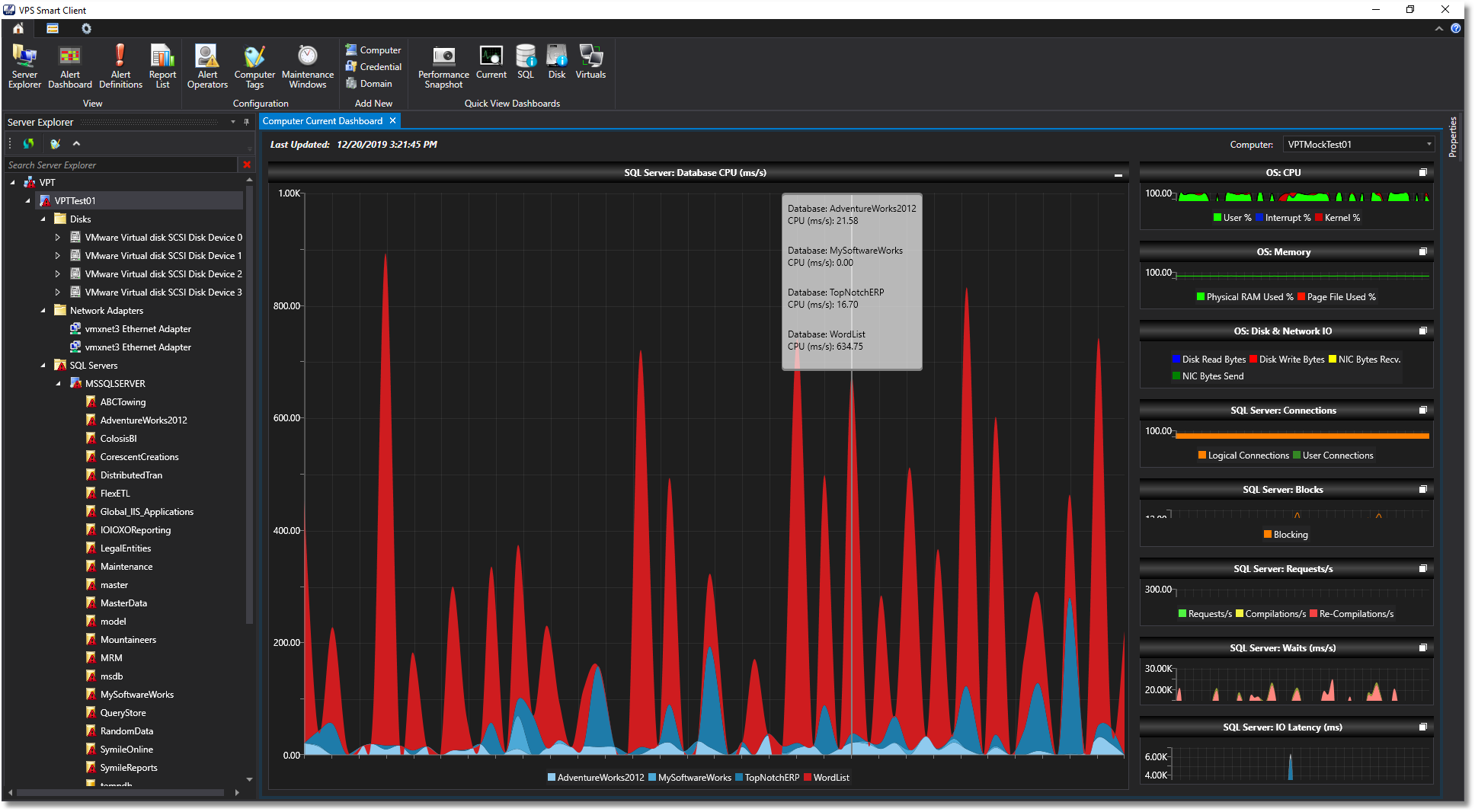
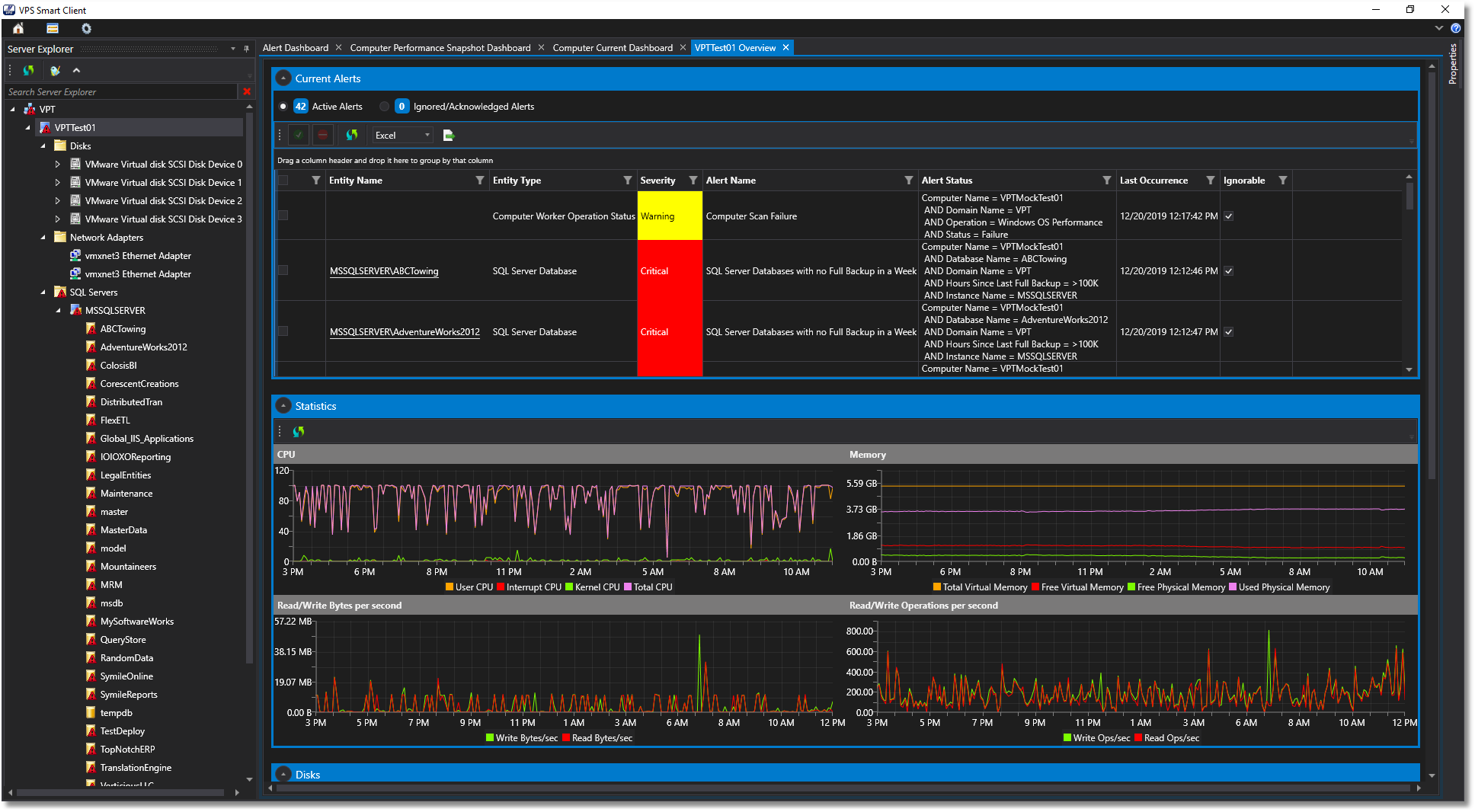
Dashboards and custom charts
Click through to detailed performance data; create and save your own charts and reports.
Diagnose bottlenecks
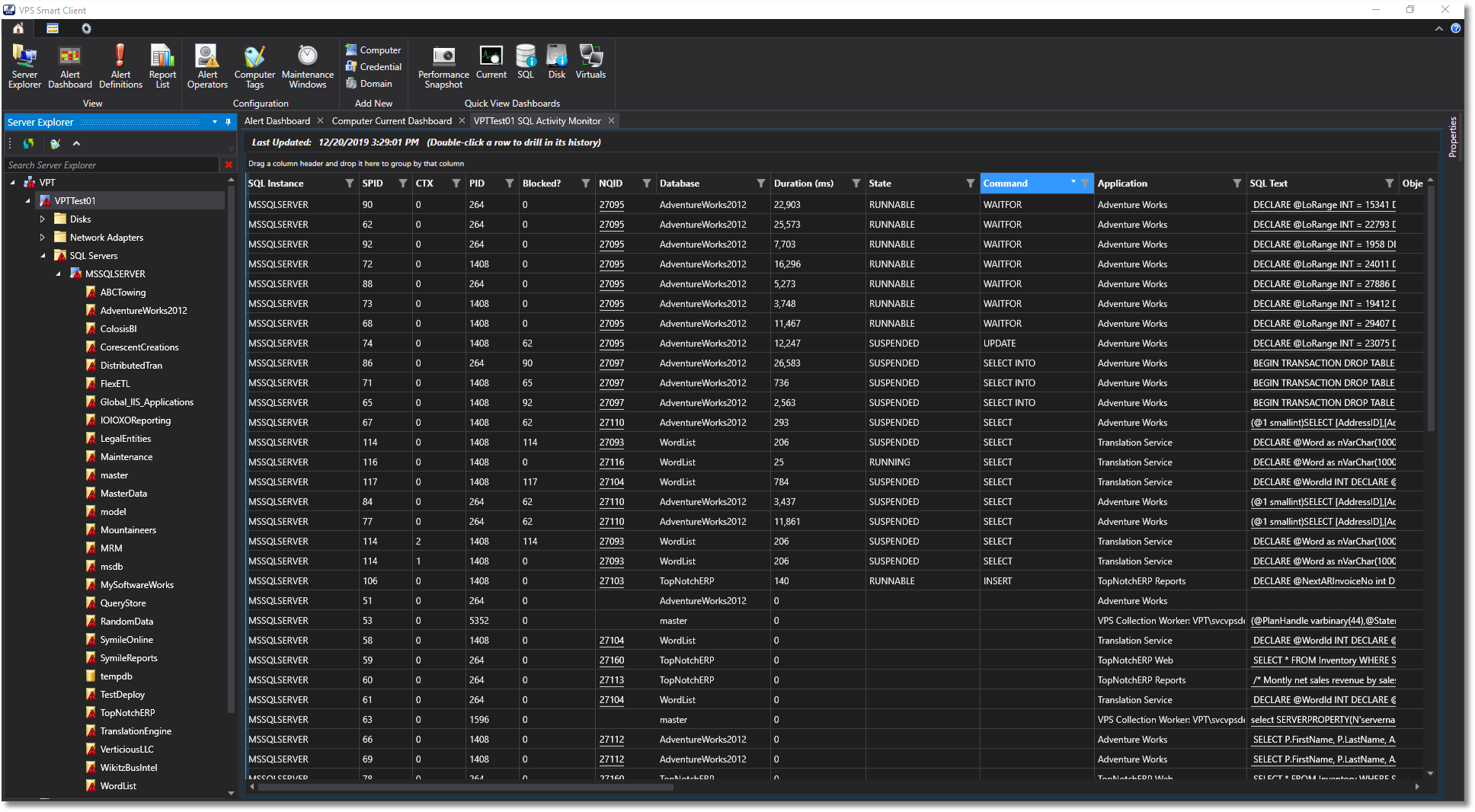
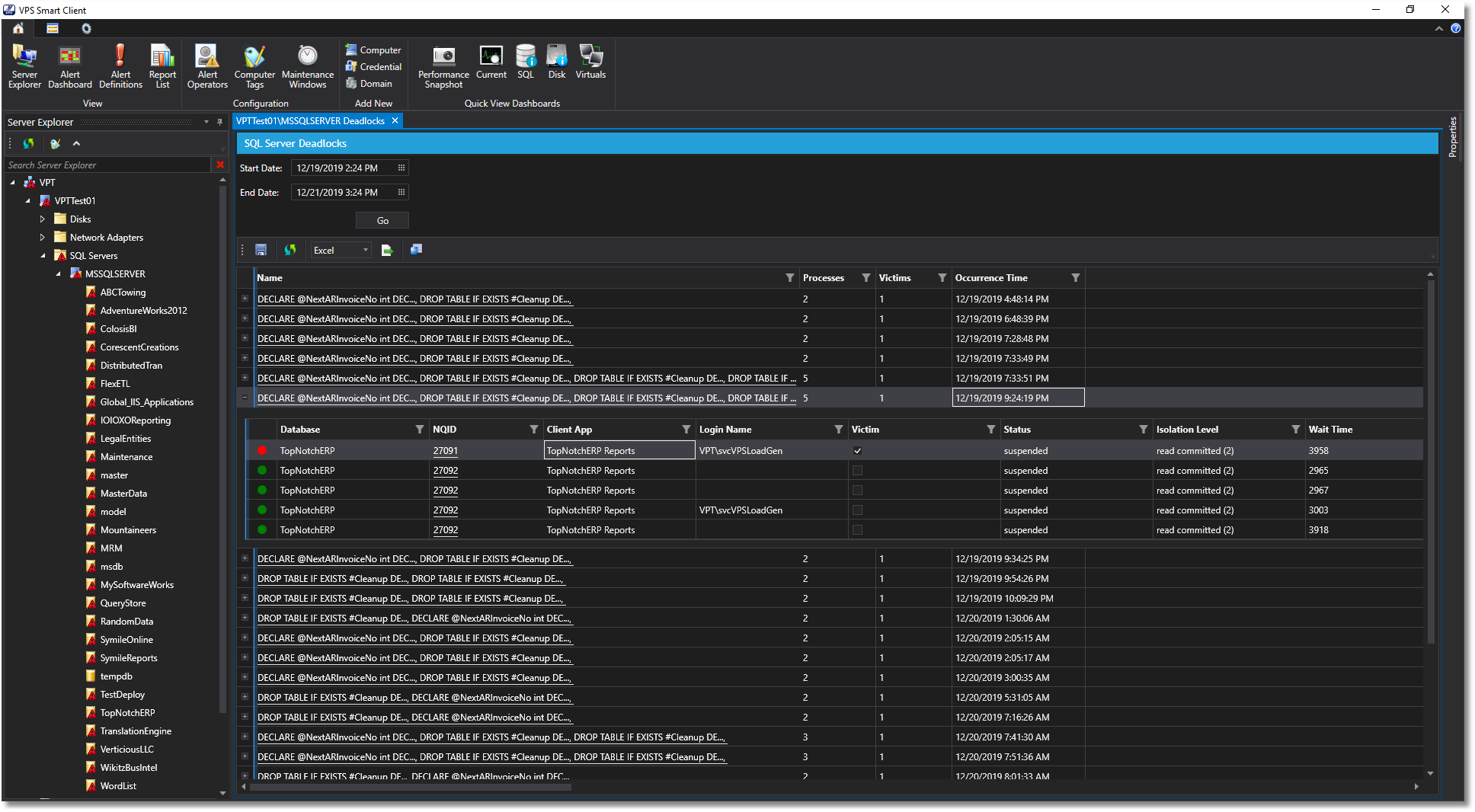
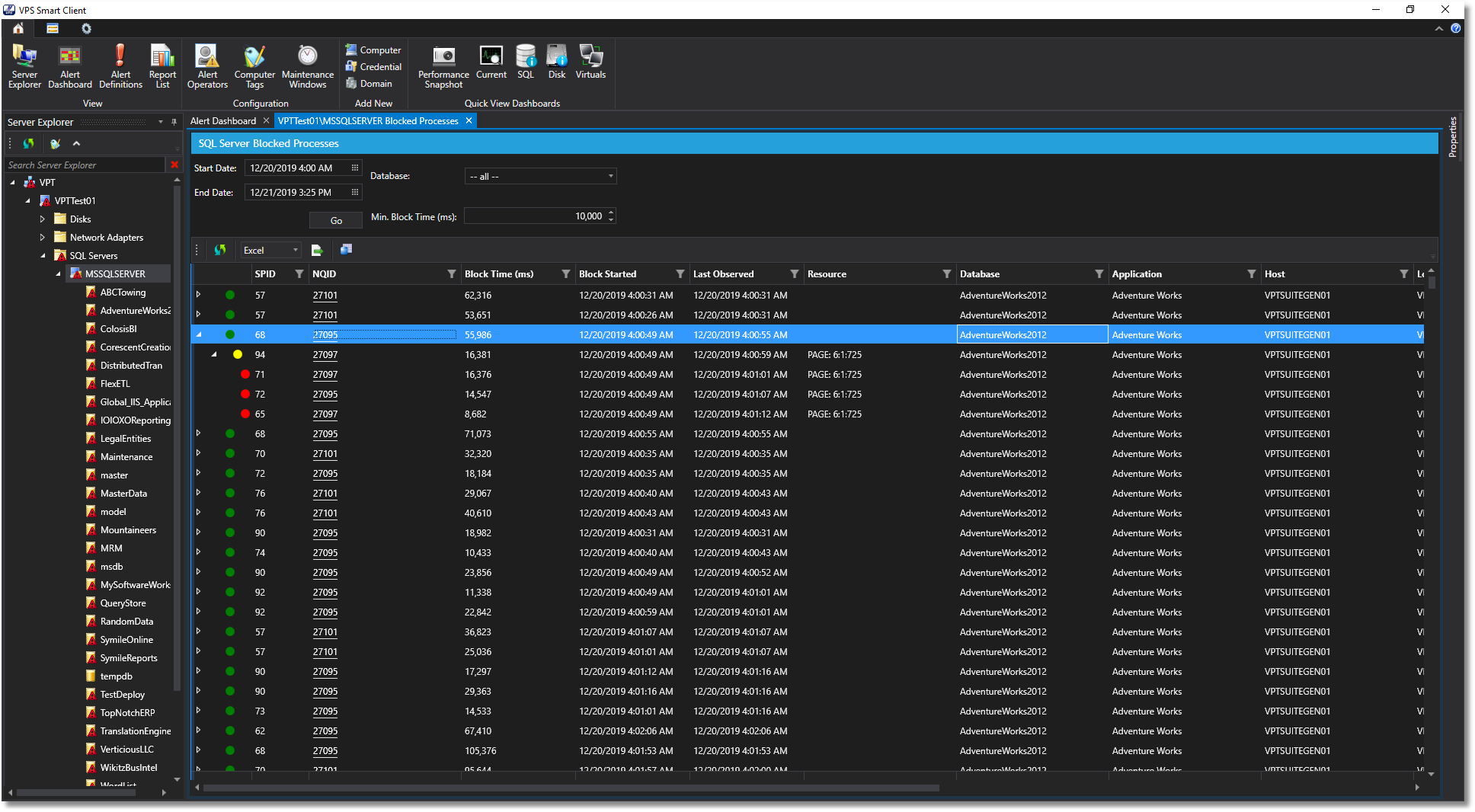
Blocking, deadlocks, waits, indexes, file usage, logical reads and writes, disk IO and much more.
A powerful alerting engine
Highly specific rules that only notify you when it matters, scaling to thousands of servers.
A look inside
What it monitors
SQL Server
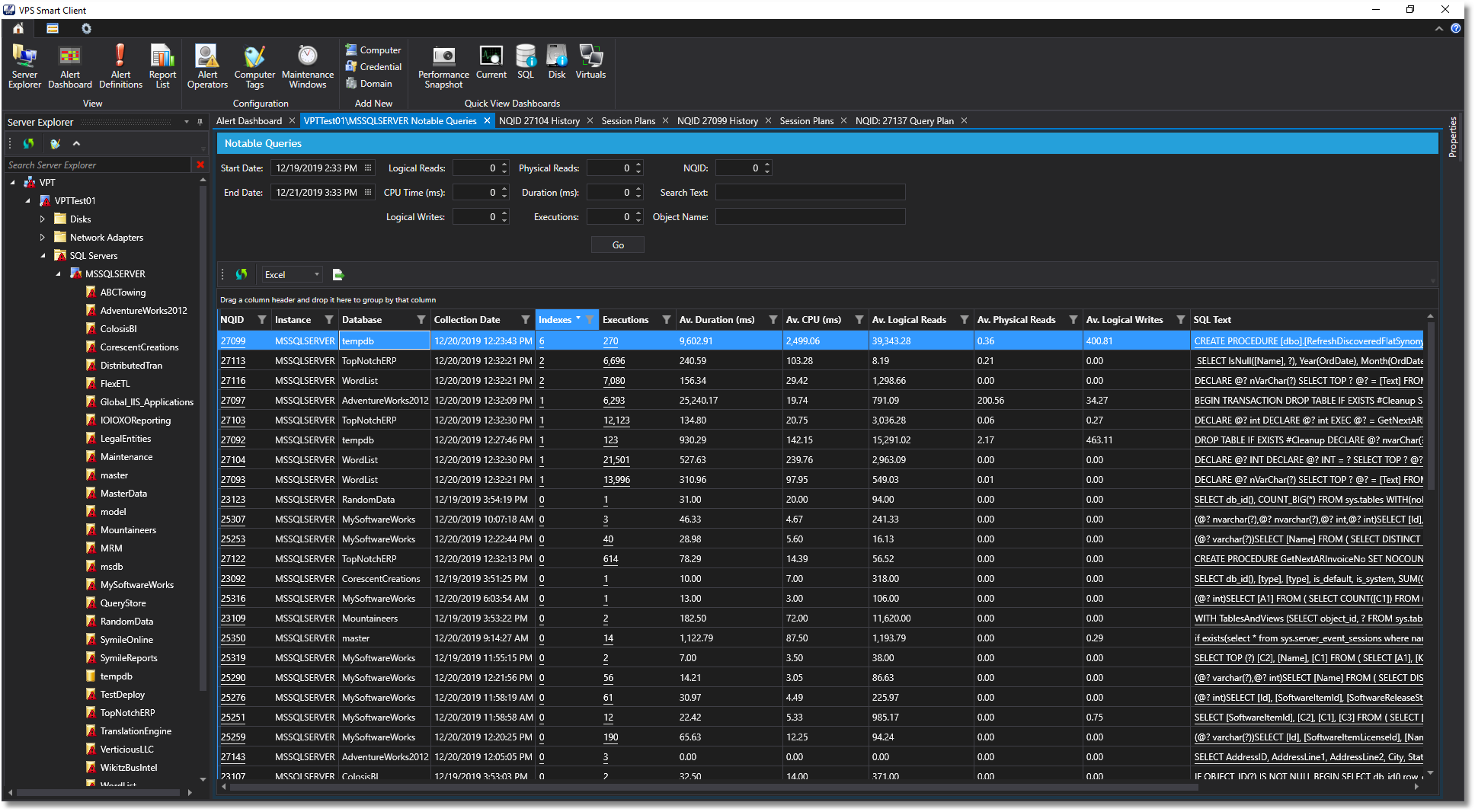
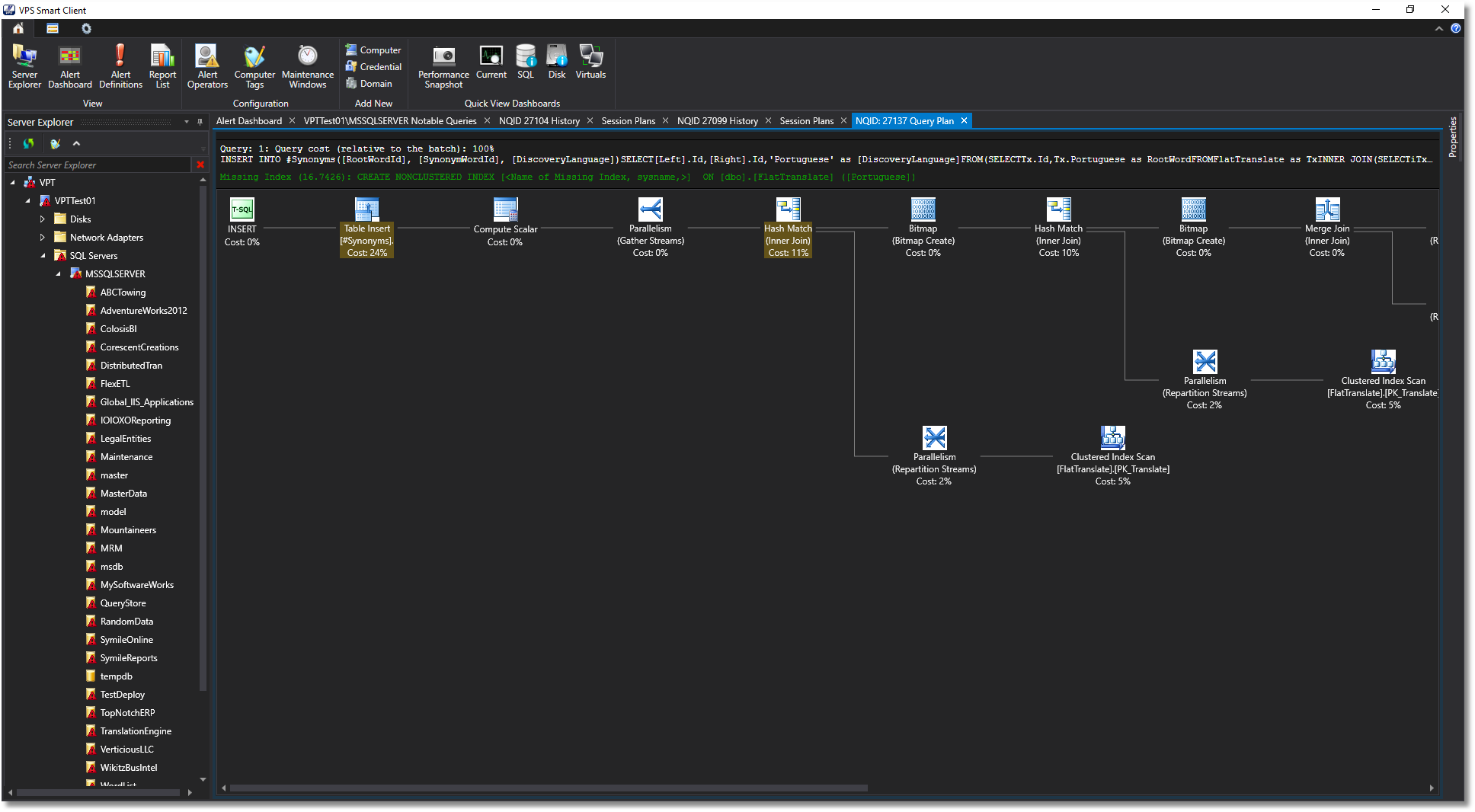
Over 200 performance counters and 500 wait types, notable queries with plans and index suggestions, deadlocks, blocking, backups and configuration changes.
Windows
Processes, CPU, memory, disks and network, with the history to see what changed and when.
IIS
Web server and application pool performance, tied to the databases behind them.
VMware
Host and guest metrics, so virtualization overhead is never a blind spot.
Azure and AWS
Cloud-hosted SQL Server and virtual machines, monitored the same way as on-premises.
Compliance
Configuration changes noted, time-stamped and searchable, for audits and change control.
Built for every team
IT management
Baseline performance, plan capacity from real growth rates, find under- and over-utilized resources and give every team the same single pane of glass.
Database administrators
Find the root cause of any slowdown, manage indexes, blocking and deadlocks, configure alerts for virtually any situation and simplify baselining.
Development teams
See the performance impact of code before it reaches production, benchmark versions and load test without elevated permissions to production.
What our customers say
“Using Vroom Performance Suite we were able to find and address the true cause of persistent performance issues in our systems. I highly recommend Vroom’s solutions for organizations that use the Microsoft technology stack.”
 JimGeneral Manager / IT Director
“The other “big name” database analytics suites that I’ve used simply cannot compete with the fine grained and detailed performance data available in VPS.”
 TimIndependent SQL contractor
“VPS has really helped us optimize our system integrations to minimize their performance impact on production systems.”
 NancySoftware developer, customer since 2016
“Simply put, VPS is the fastest way to identify and resolve the true root causes of database performance problems.”
 JoannDBA, customer since 2016
“Vroom Performance Suite gives us the visibility we needed into the performance of our critical business systems.”
 MikeIT management
Installation
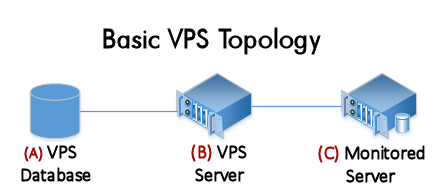
VPS can run entirely on one server, but the recommended installation puts VPS on its own Windows server (B), with its database (A) on a dedicated SQL Server or the VPS server itself. VPS then monitors the other servers (C) without placing any load on them, in domain or workgroup environments.
Resources
- Installation guide: step by step, for several configurations
- Sizing guide
- Scanner account permissions and the helper script
- Cluster monitoring (optional, advanced)
- WMI and COM security minimal model (optional, advanced)
- Installing VPS in a workgroup environment
Download VPS
What's new in v1.12.3
New 🎉
- Add ability to ignore some command types.
Changed 😎
- Sort the insight groups by name.
- Add database filter for insight dashboard.
- Add database name column to missing index view.
- Add database filter to notable query search.
- Add "truncate query to" option to ensure that we do not capture large queries.
- SQL Server object audit, database list drop-down is not ordered.
Fixes 🐛
- Resolved divide-by-zero on system insights.
Let’s make it fast
Tell us what you are working on. We will tell you honestly how we can help.